Product
One workspace for a Gibraltar compliance programme.
The records the Gambling Act 2025 asks a licence holder to keep, each tied to its provision, with every change recorded. Illustrative data throughout.
Dashboard
Acme Gaming Group · Illustrative data
Readiness
0 of 4 in place- Licences recorded4 licences across the group
- Substance evidence on file5 documents, 1 awaiting review
- Board minutes held in Gibraltar2 meetings this year
- Statutory dates scheduledAlerts set for every deadline
Next deadlines
- Quarterly return, Q37 days
- Licence renewal, RGL-12734 days
- Attestation, Owen Clarke52 days
Dashboard
Obligations
See what is in place, what is outstanding and what is due, for every licence you hold.
- Statutory checkpoints from your own records
- Deadline alerts at 90, 60, 30 and 7 days
- Each item tied to the section of the Act it comes from
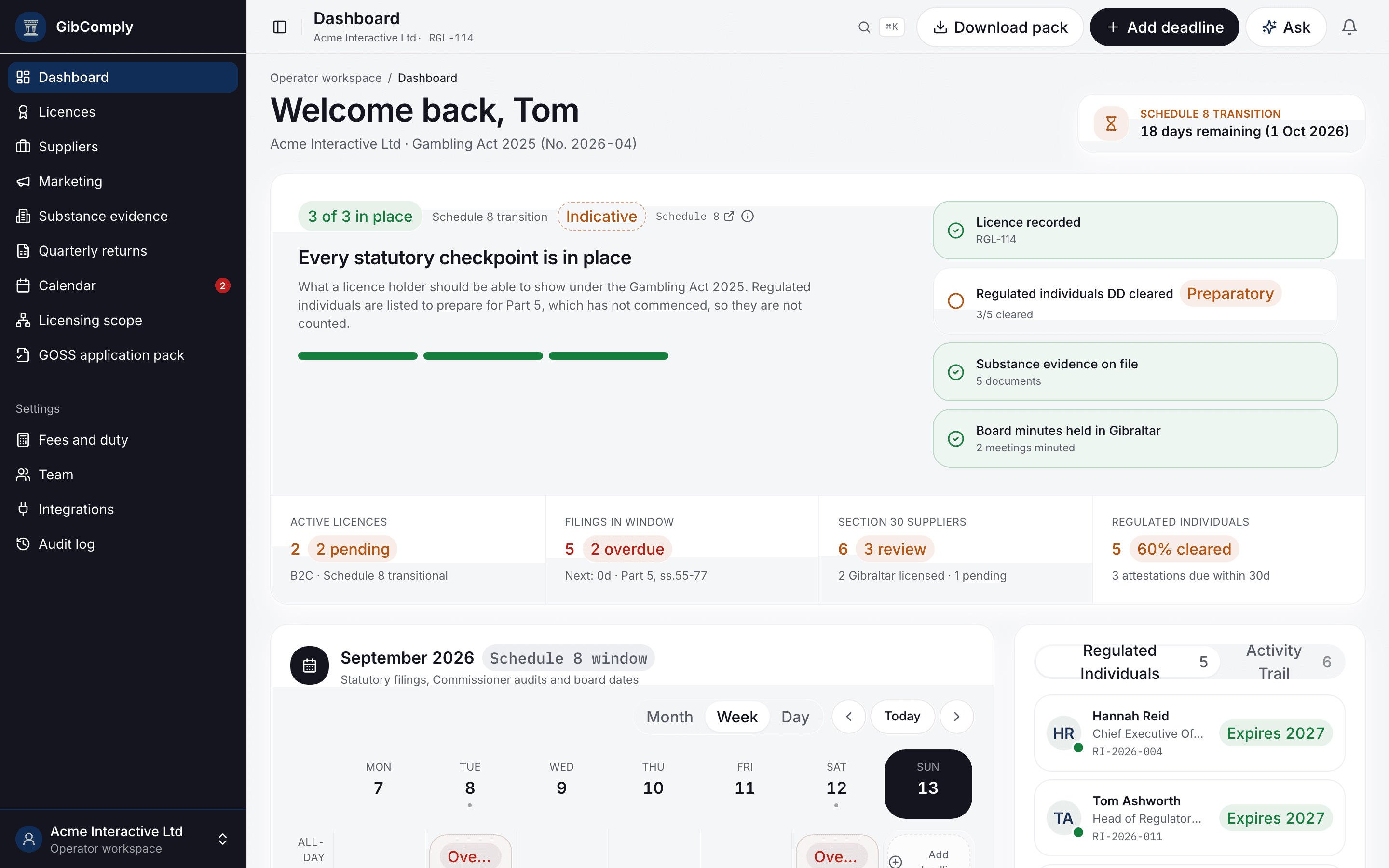
Licence register · s.17
Licences
B2C, B2B and GOSS licences across the group, with status, expiry and renewal dates.
- 2005 Act, transitional and new licences
- Renewal and filing dates on the calendar
- CSV export
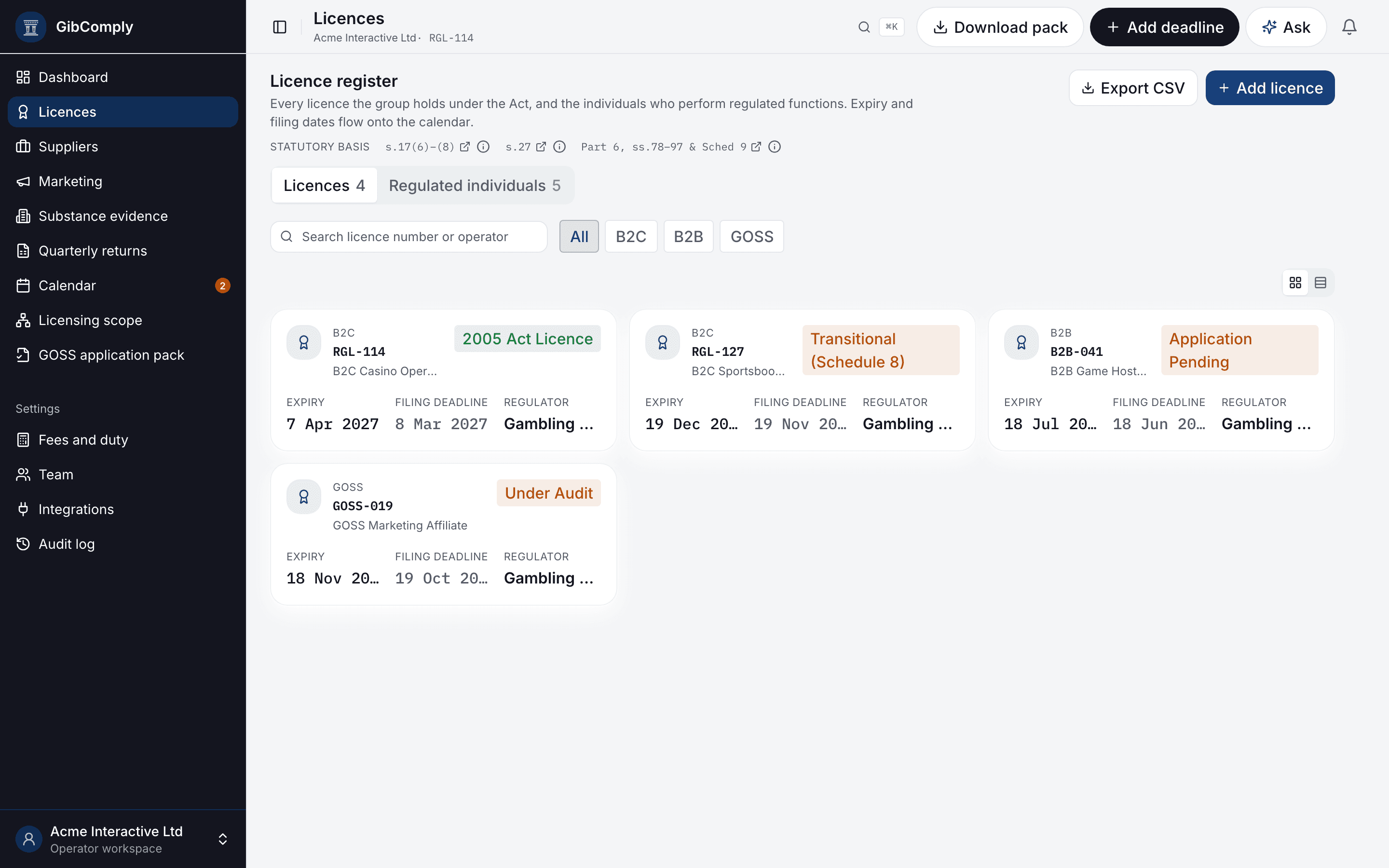
Licensing scope · s.17
Entities
Record your group structure and see which licence category, if any, applies to each entity.
- Answers cite the section of the Act
- Unsettled questions are flagged for your lawyer, with the question drafted
- Every determination kept, dated and unchanged
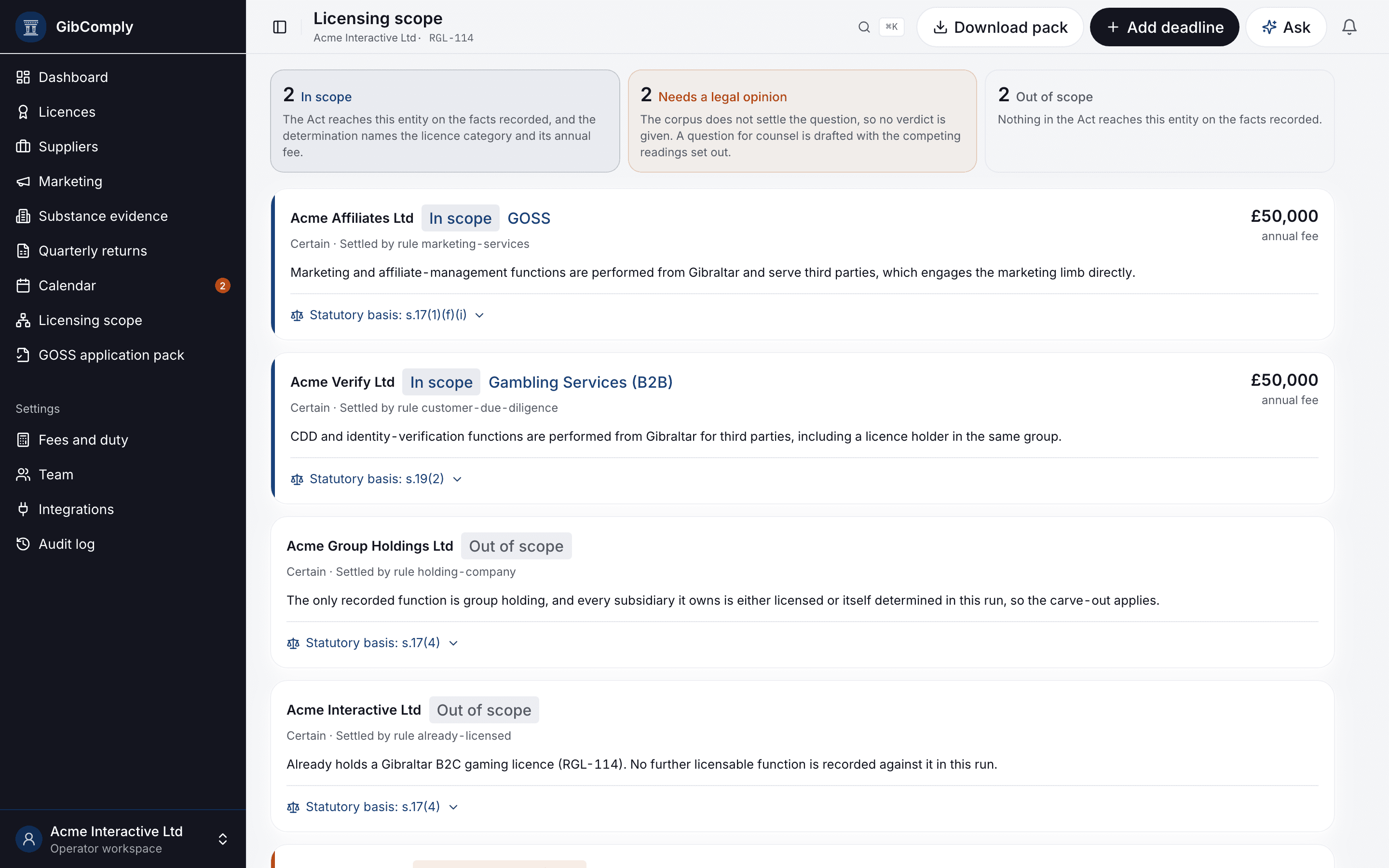
Regulated individuals · Part 5
Individuals
Everyone in a regulated function on one register, with due diligence and attestations.
- Due-diligence status per person
- Quarterly attestations with the next due date
- Ready for Part 5 before it commences
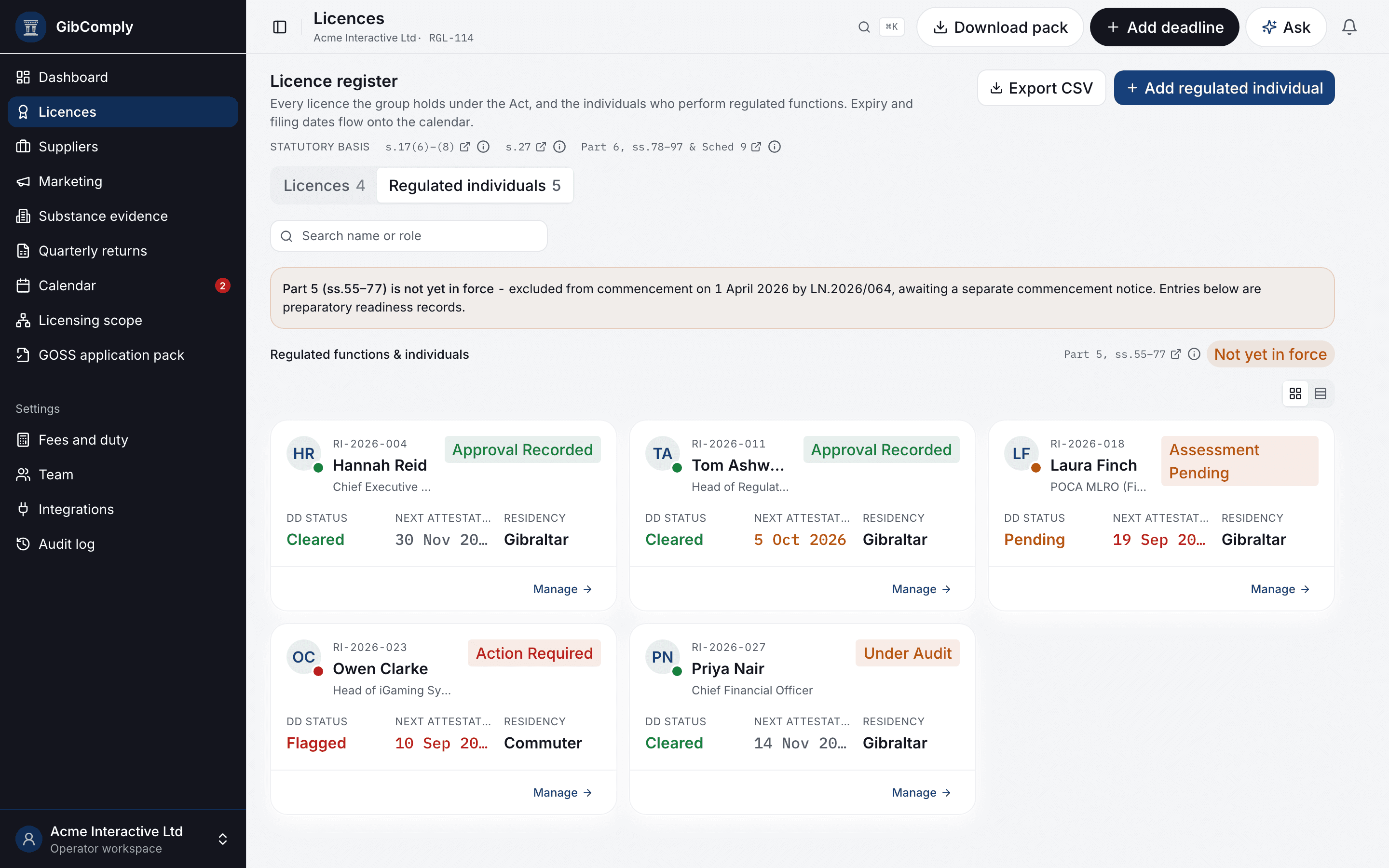
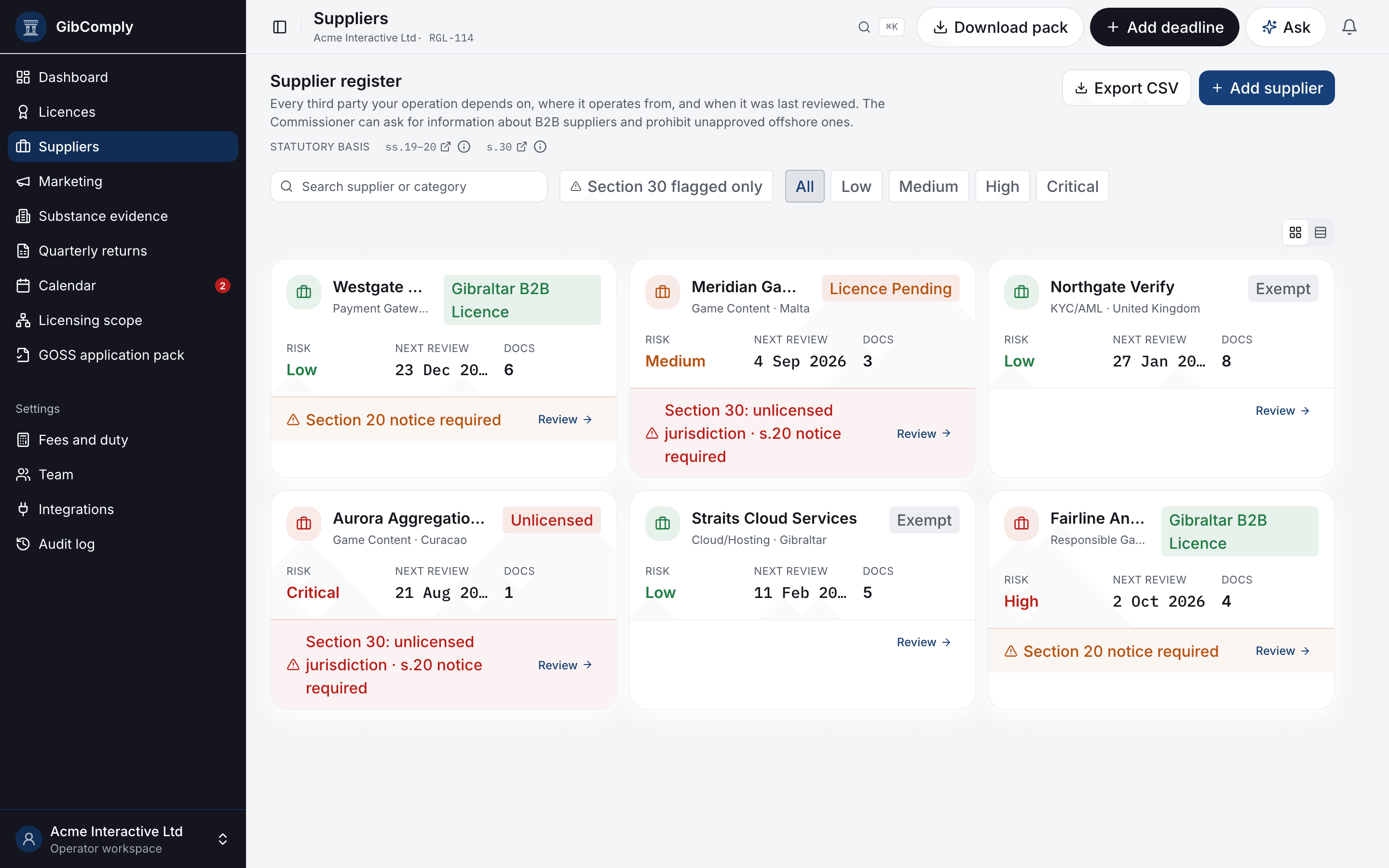
Suppliers and Section 30 · s.30
Suppliers
Every supplier with its licence position, where it operates from and its next review.
- Risk rating and review cycle
- Gibraltar licensing position per supplier
- Overdue reviews on the dashboard
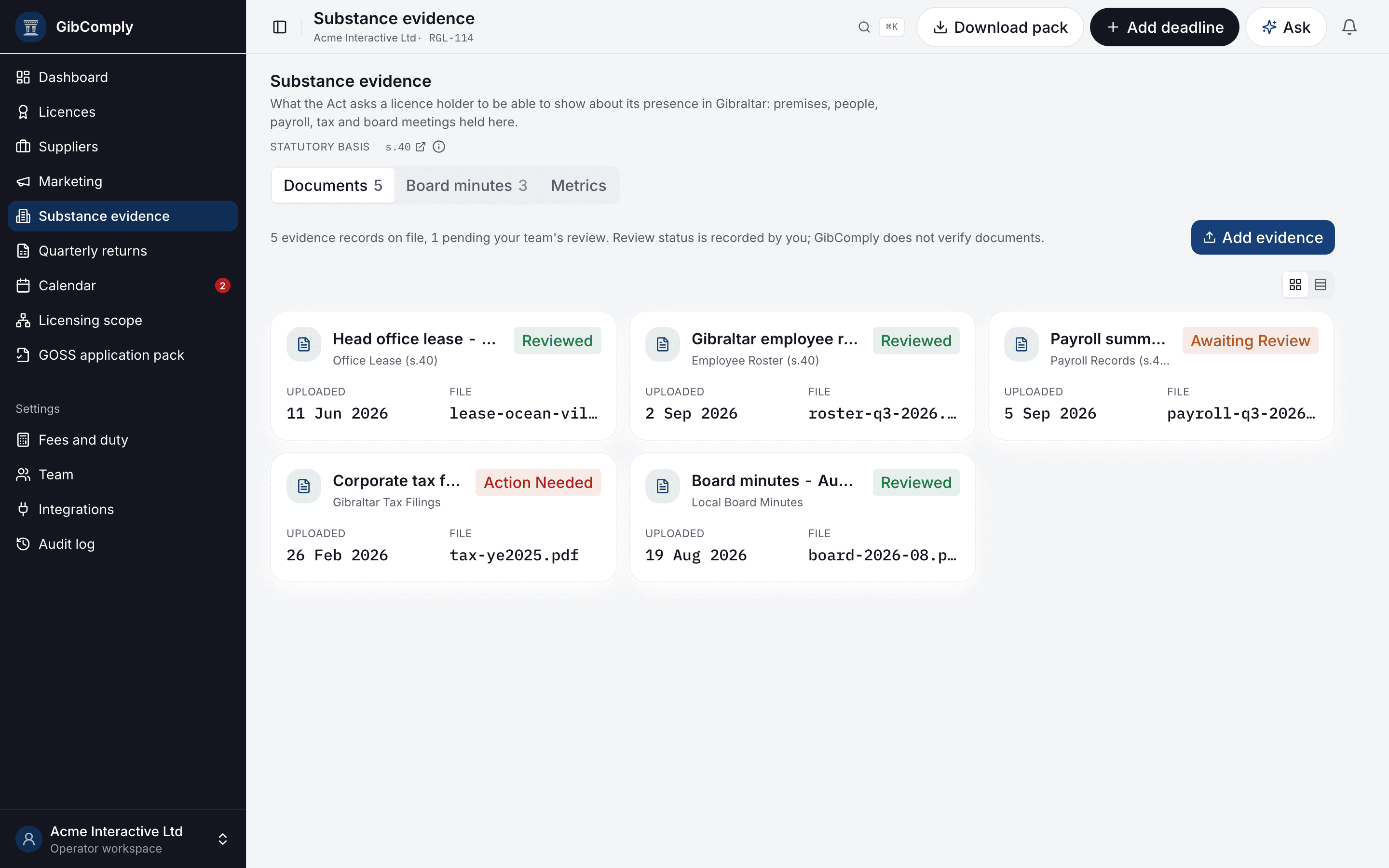
Substance evidence · s.40
Evidence
Leases, rosters, payroll, tax filings and board minutes held against the requirement they support.
- Filed where the requirement is, not in a shared drive
- Review status recorded by your team
- Private to your workspace
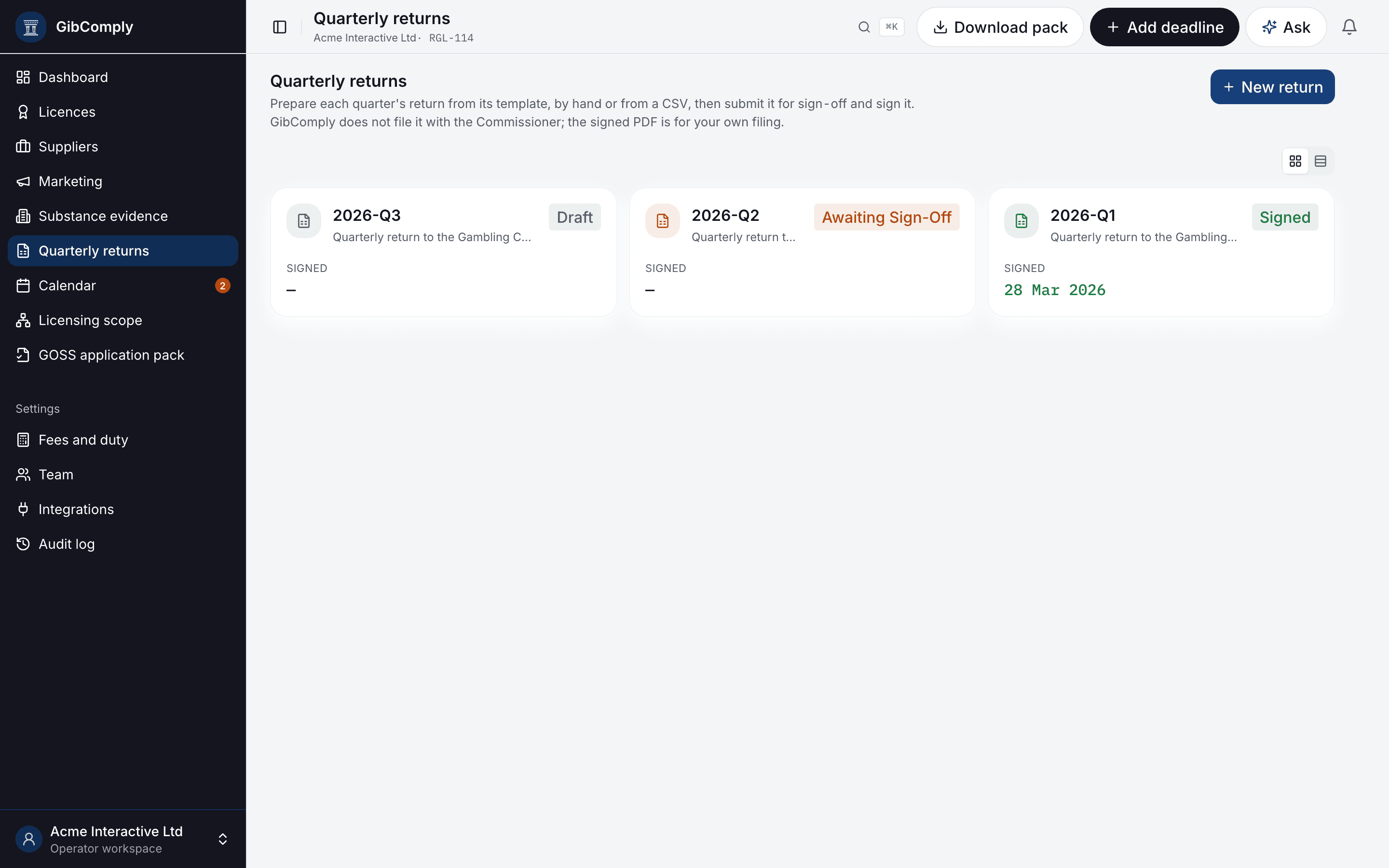
Quarterly returns
Reports
Prepare, sign and export each quarter's return for filing, the board and your auditors.
- Draft, awaiting sign-off, signed
- Locked once signed
- PDF for filing, CSV for figures
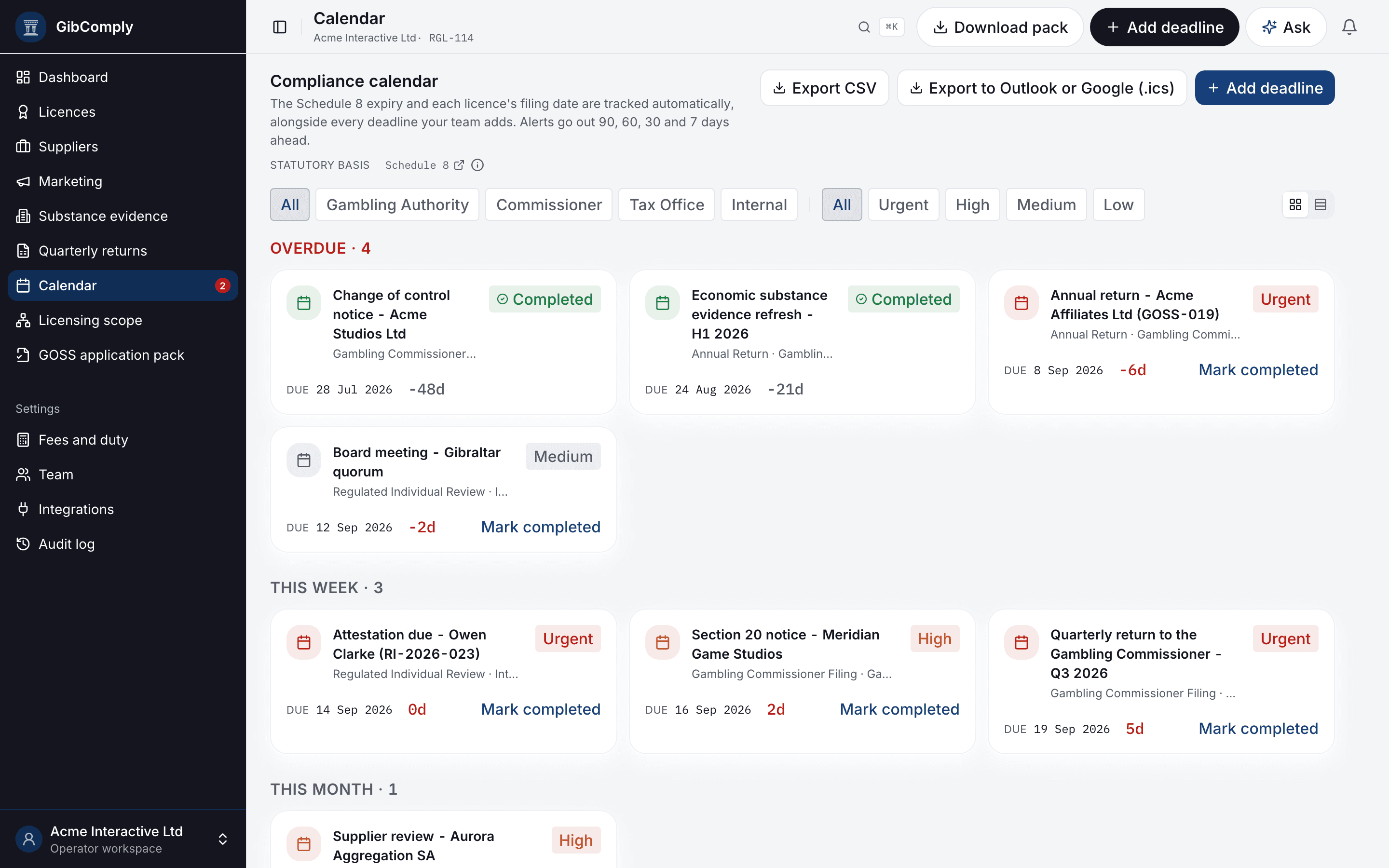
Statutory calendar
Calendar and alerts
Filing deadlines, renewals and board dates, synced to Google or Microsoft 365 calendars.
- Alerts by email, Slack and Microsoft Teams
- Calendar sync and export
- Mark items complete, with a record
Audit log · Part 7
Change log
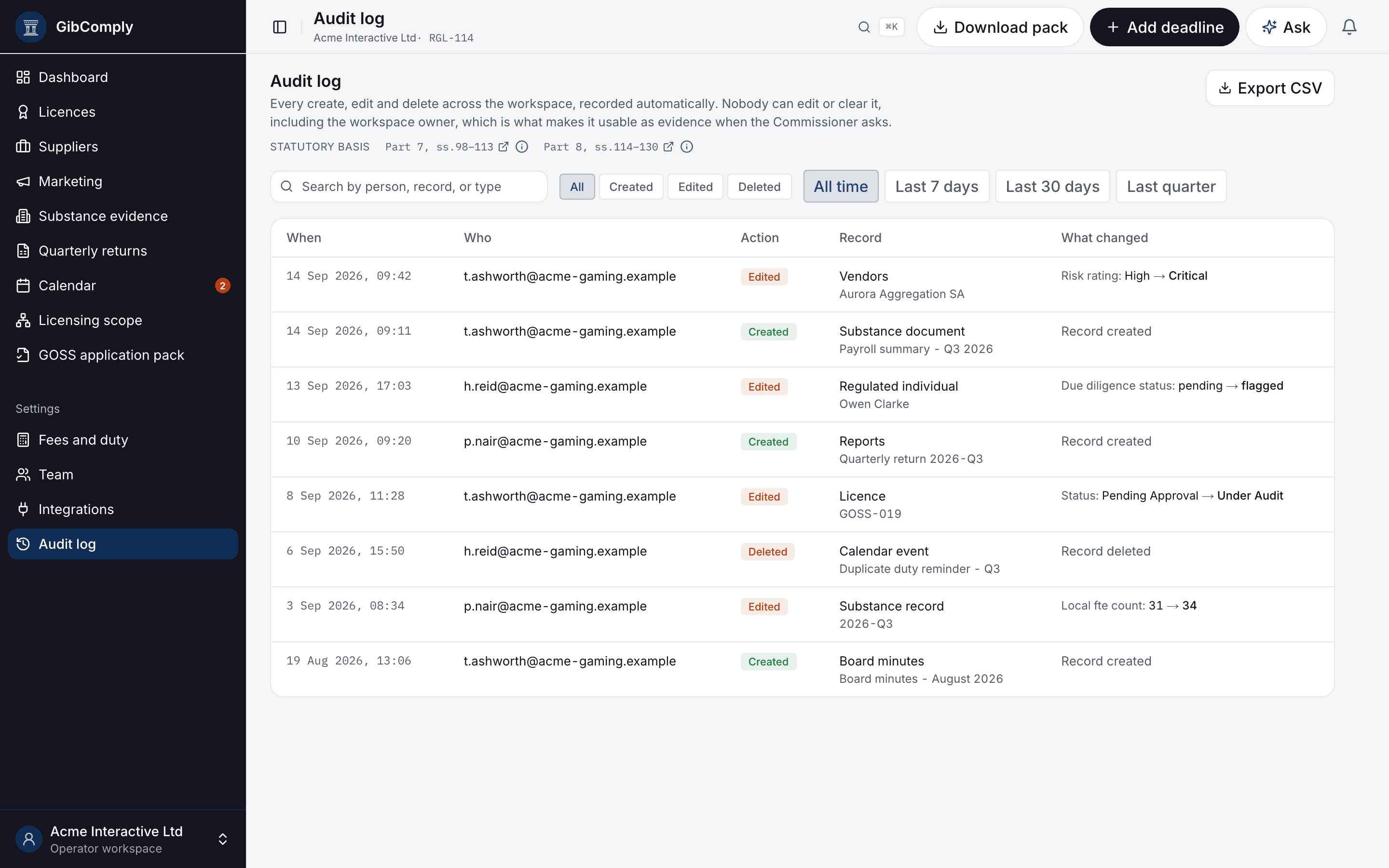
Every create, edit and delete across the workspace, with who did it and what changed.
- Cannot be edited or cleared, even by the owner
- Before and after values
- Filter by period, export to CSV
Outside advisers
Auditor access
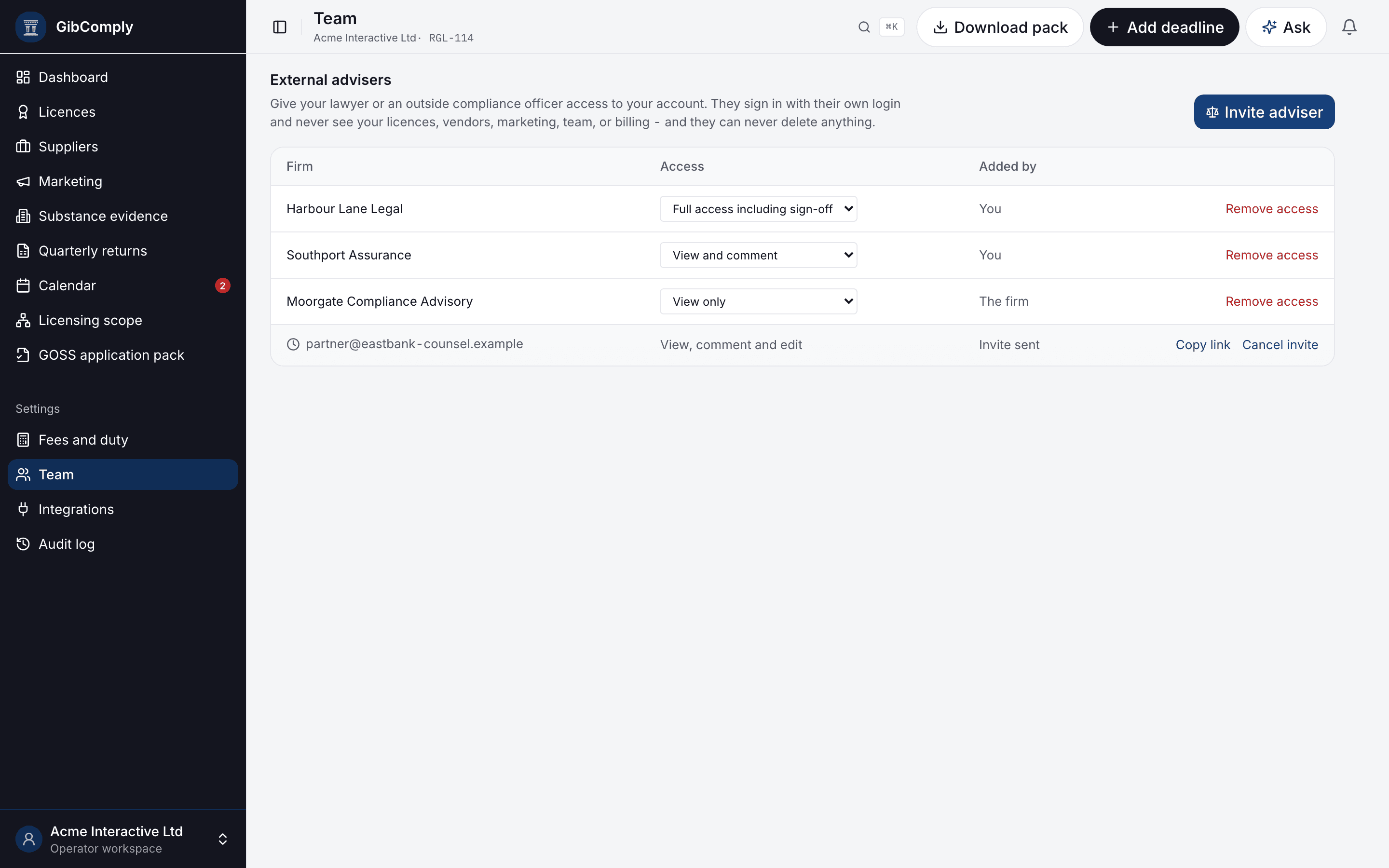
Give your lawyer, auditor or outside compliance officer their own login and a defined level of access.
- Four levels, from view only to sign-off
- They never see licences, suppliers, marketing or your team
- Change or remove access at any time
Integrations
Integrations
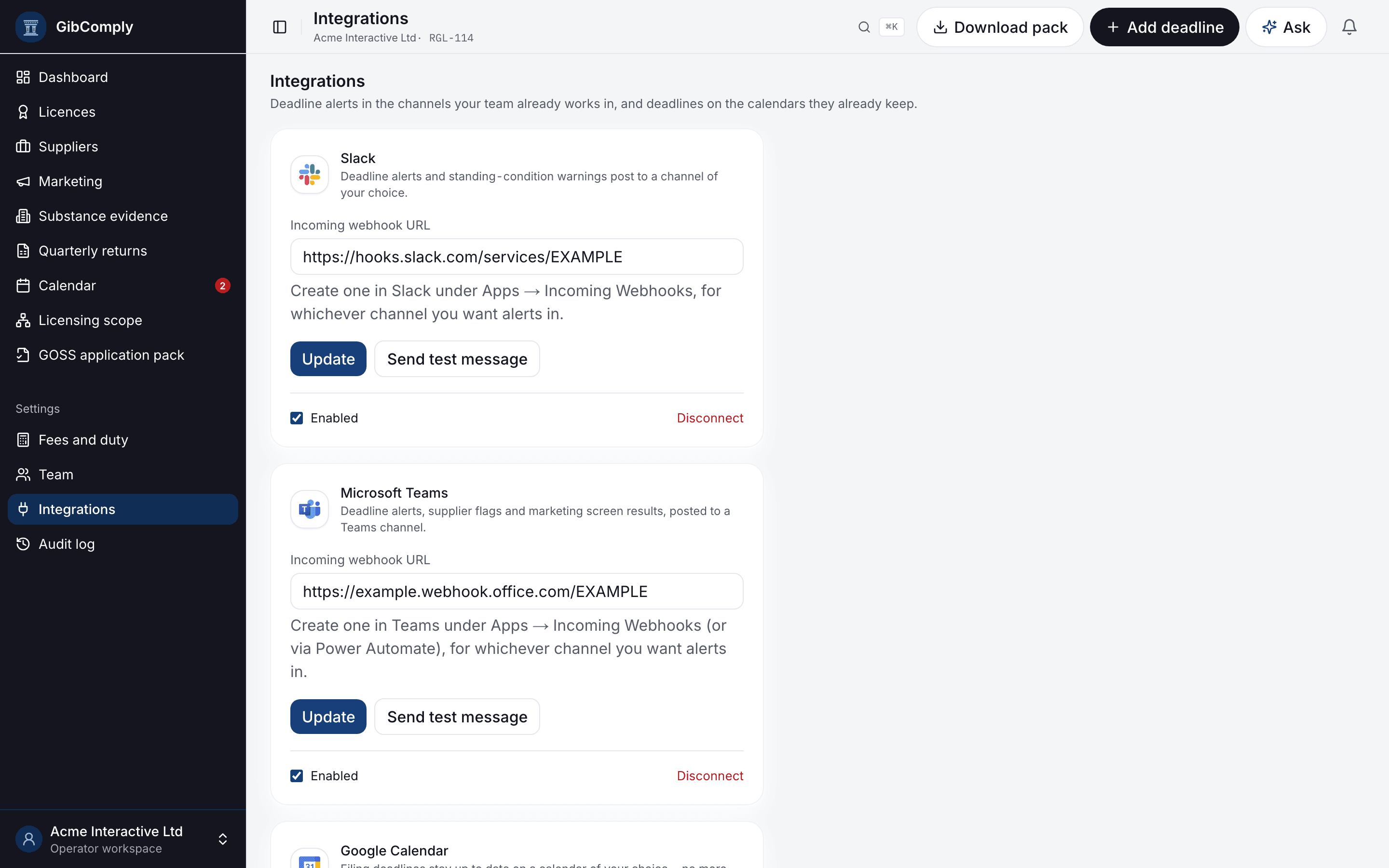
Connect Slack, Microsoft Teams, Google Calendar and Microsoft 365 from one settings page.
- Alerts where your team already works
- Two-step sign-in before a calendar connects
- Owner-only configuration
How it works
From group structure to board report, in six steps.
GibComply follows the order a compliance programme is actually built in, so each step uses what the previous one recorded.
- 01
Add your entities
Record the group structure, the licences held and what each entity does, directly or from CSV.
- 02
Determine regulatory scope
See which licence category the Act reaches each entity with, citing the provision, or flagged for legal opinion.
- 03
Identify applicable obligations
Statutory checkpoints and deadlines follow from your licences, with the provision each one comes from.
- 04
Assign responsibility
Regulated individuals, team roles and deadline alerts routed to the people who own them.
- 05
Maintain supporting evidence
File documents against the requirement they support and record their review status.
- 06
Monitor and report
Track what is outstanding, sign quarterly returns and give auditors structured access.
Act coverage
What the Act asks, and where GibComply keeps the answer.
The provisions GibComply tracks, with their commencement state and the part of the product that cites them. Each reference links to the official text on the Gibraltar Laws site.
| Provision | Commencement | Where in GibComply | Official text |
|---|---|---|---|
Schedule 8 Transitional Provisions & 6-Month Licence Window | Statutory calendar | Official text | |
s.40 Sufficient Substantive Presence | Substance evidence | Official text | |
Part 5, ss.55–77 Regulated Functions and Regulated Individuals | Regulated individuals | Official text | |
s.30 Territorial Scope & Remote Gambling Activity | Suppliers | Official text | |
ss.19–20 Facilities for Remote Gambling & B2B Service Controls | Suppliers | Official text | |
s.17(1)(f) Gambling Operator Support Services (GOSS) Licence | Marketing, GOSS application pack | Official text | |
s.17(6)–(8) Licence Categories (B2C, B2B, GOSS) | Licence register, Licensing scope | Official text | |
s.27 Offence of Operating Without a Licence | Licence register | Official text | |
Part 6, ss.78–97 & Sched 9 Transfer of Control & Beneficial Ownership | Licence register | Official text | |
Part 7, ss.98–113 Commissioner Inspection & Investigatory Powers | Audit log | Official text | |
Part 8, ss.114–130 Statutory Sanctions & Penalties | Audit log | Official text | |
Part 11, s.141 Gambling Appeals Tribunal | Reference only | Official text |
A reference to the legislation, not advice on it. GibComply does not tell you what your obligations are.

See it against your own licence position.
A walkthrough of the workspace with your entities, licences and deadlines in mind, and an honest view of what GibComply does and does not do.